
Stage 7 - Docker Compose
Docker Compose exists because real applications are not one container. A backend may need PostgreSQL, Redis, migrations, a worker, and a local mail service. Compose describes that small system in one file.
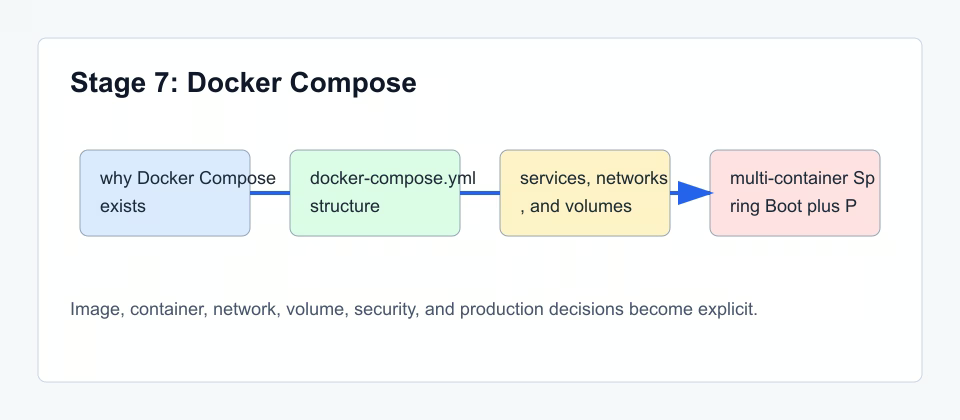
Compose describes a small system
A Compose file is a project topology. services describe containers. volumes describe persistent storage. networks describe communication. Environment variables pass configuration into services without editing the image.
services: api, db
api depends on db
db uses volume
both share network
.env supplies values
Spring Boot plus PostgreSQL
For Spring Boot plus PostgreSQL, Compose removes guesswork. The API service can connect to db:5432 because both services share a network. PostgreSQL stores files in a named volume so data survives service recreation.
Where Compose stops
Compose scaling is useful for stateless replicas, but it has limits. Local Compose does not replace Kubernetes or another orchestrator. Port conflicts, rolling updates, cross-host scheduling, and secret management remain limited.
Compose is documentation, not only automation
A good Compose file is executable documentation. It should show which services exist, which ports are public, which data is persistent, and which configuration values are required. If a teammate can read the file and draw the local system, the file is doing its job.
This is why service names matter. A service named db or postgres teaches more than a random name. A volume named postgres-data teaches more than an anonymous generated volume. Good names reduce the amount of extra explanation needed.
Compose also helps avoid long docker run commands. Long commands are hard to review and easy to lose. YAML is not perfect, but it gives the team a stable file that can be versioned.
Environment variables and secrets
A .env file is useful for local defaults such as ports, usernames, and feature flags. It should not become a dumping ground for production secrets. Local convenience and production security are different concerns.
Compose supports several ways to pass values. The beginner-friendly path is environment variables for non-sensitive local settings. For sensitive values, the target platform should provide a real secret mechanism. Even in local projects, avoid committing real passwords and tokens.
Where Compose is executed
docker compose up is executed from a terminal in the directory that contains the Compose file, or from a directory where you explicitly point to that file. Compose reads YAML, then asks the local Docker daemon to create containers, networks, and volumes.
Compose is not a remote deployment system by itself. If you run it on your laptop, it starts containers on your laptop. If you SSH into a VPS and run it there, it starts containers on the VPS. The file can be the same, but the Docker host is different.
This is why environment files and volume paths must be treated carefully. A bind mount path that exists on your laptop may not exist on the server. A .env file used locally may be inappropriate for production secrets.
Commands to run and inspect
Run these commands in a terminal on the machine where Docker is installed. For local learning, that is your laptop terminal. For a VPS, first connect to the server with SSH, then run the commands there. Do not paste commands blindly: run one command, inspect what changed, then run the next one.
docker compose config
docker compose up -d
docker compose logs -f api
docker compose exec db psql -U postgres
docker compose down
Reference table
| Topic | What it means | Practical consequence |
|---|---|---|
| services | Application components | API, database, cache, worker |
| volumes | Persistent storage | Database files and durable local state |
| networks | Service communication | Service names become DNS records |
Compose review
Review a Compose file by asking what each service owns. The API owns application runtime. The database owns persistent files through a volume. The network owns service discovery. The .env file owns local configuration defaults.
If one line in Compose has no clear owner or purpose, it will be hard to debug later. Compose should make the system easier to read, not just shorter to start.
Checkpoint
Continue when you can explain a Compose file without reading it line by line: services first, then volumes, networks, environment, and startup commands.
Practical Compose exercise
Open a Compose file and highlight each object with a different color: services, volumes, networks, environment variables, and ports. Then explain the application without mentioning YAML syntax. If you cannot explain why a volume or network exists, the Compose file is not teaching the system clearly enough.
Short takeaway
Main orientation: Compose should read like a system description. If you cannot explain it as “api depends on db, db stores data in a volume, both services communicate through a network”, the structure should be simplified or documented better.