
Stage 3 - Tracking Changes Effectively
At the end of Stage 2, task-service has three commits. Now imagine you edit task-service.js to prevent duplicate tasks and at the same time fix wording in README. Before creating the next commit, you must inspect what exactly changed.
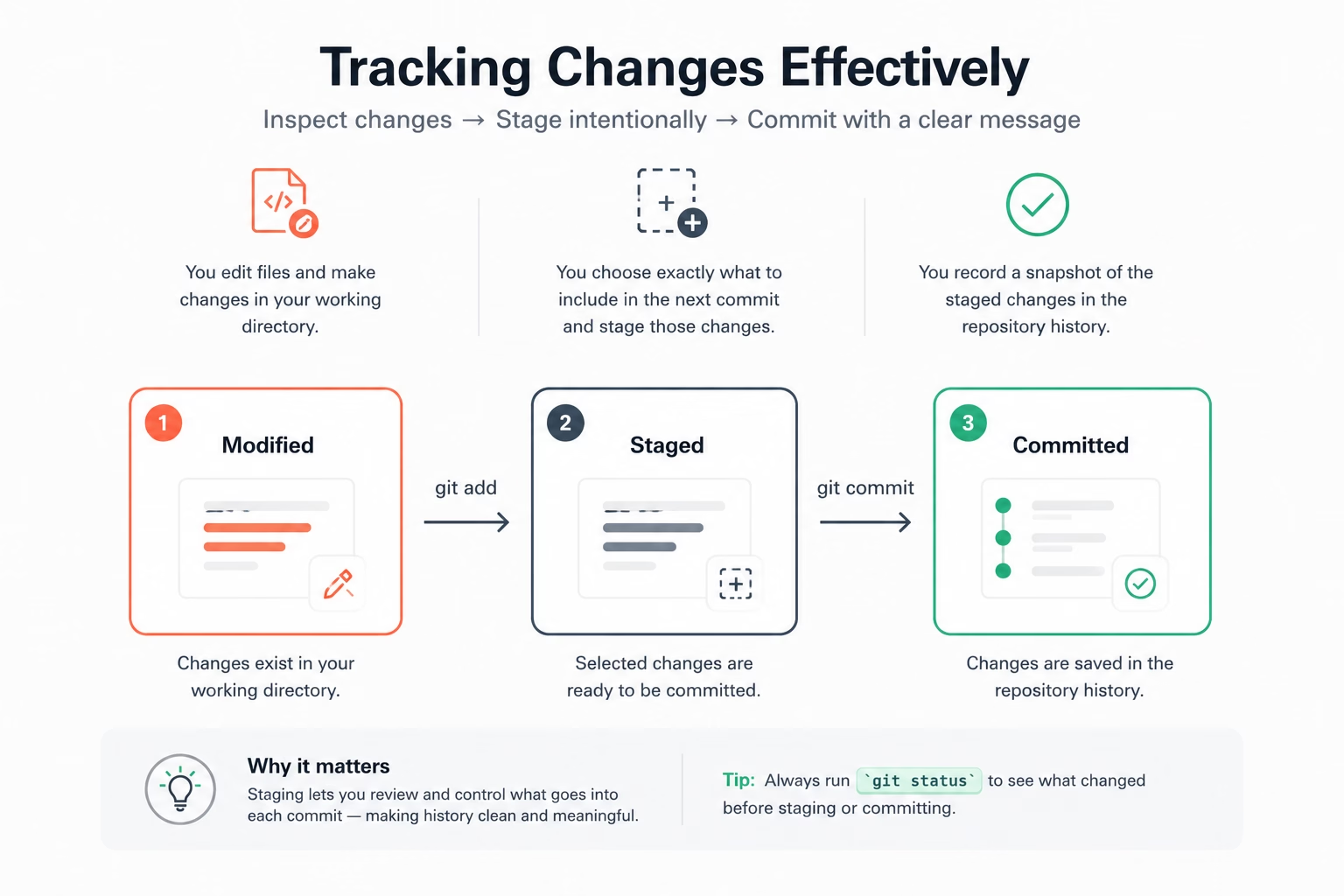
Why seeing changes is the core discipline
Without inspected diffs, commit history becomes a blur. You lose the difference between “I touched this block by accident” and “this change supports the story we planned.”
In task-service, make three changes:
- update task validation in
task-service.js; - append a usage example to
README.md; - create
notes.txtwith a temporary thought.
Now run:
git status
It will show both README.md and task-service.js as modified. notes.txt might be untracked.
Compare before commit, not after
git diff answers: what has changed in the working directory but is not staged yet?
git diff
git diff --staged answers: what will the next commit contain?
git add task-service.js
git diff --staged
This split is crucial when a learner wants to avoid mixing unrelated concerns, for example “fix duplicates” and “rewrite docs tone”. Keep those separate if the intent differs.
Correcting with intent, not panic
If you made a wrong local edit in notes.txt, you can discard it:
git restore notes.txt
If you staged task-service.js too early and need more edits before commit:
git restore --staged task-service.js
Now the edit returns to working state and remains recoverable. You did not lose work, just moved it back one step.
Renaming and removing in real projects
Sometimes requirements change and a file no longer belongs to the project. Use:
git rm notes.txt
git commit -m "docs: remove obsolete scratch note"
If you just want to move a file from root into a docs folder, first create the docs folder in Finder, File Explorer, or your IDE. Then run:
git mv README.md docs/README.md
git add docs/README.md
git commit -m "docs: move main README to docs"
git mv is clear about intent and usually easier to review than moving by file manager first.
| Situation | Helpful command | Decision it enables |
|---|---|---|
| Review local edits | git diff | Commit only what is correct and complete |
| Review staged edits | git diff --staged | Verify the exact commit payload |
| Cancel accidental local edit | git restore | Remove noise before commit |
| Move or remove file | git mv / git rm | Keep history coherent |
Practice tied to this stage
- Modify only
task-service.jsto reject duplicates. - Add two lines to
docs/README.mdand one tonotes.txt. - Stage only
task-service.jsanddocs/README.mdand commit. - Check
git status, then discard or restagenotes.txtas intended.
You now have the right posture for all later team stages: inspect before commit, and make each commit tell one clear story.