
Stage 8 - Swagger Documentation
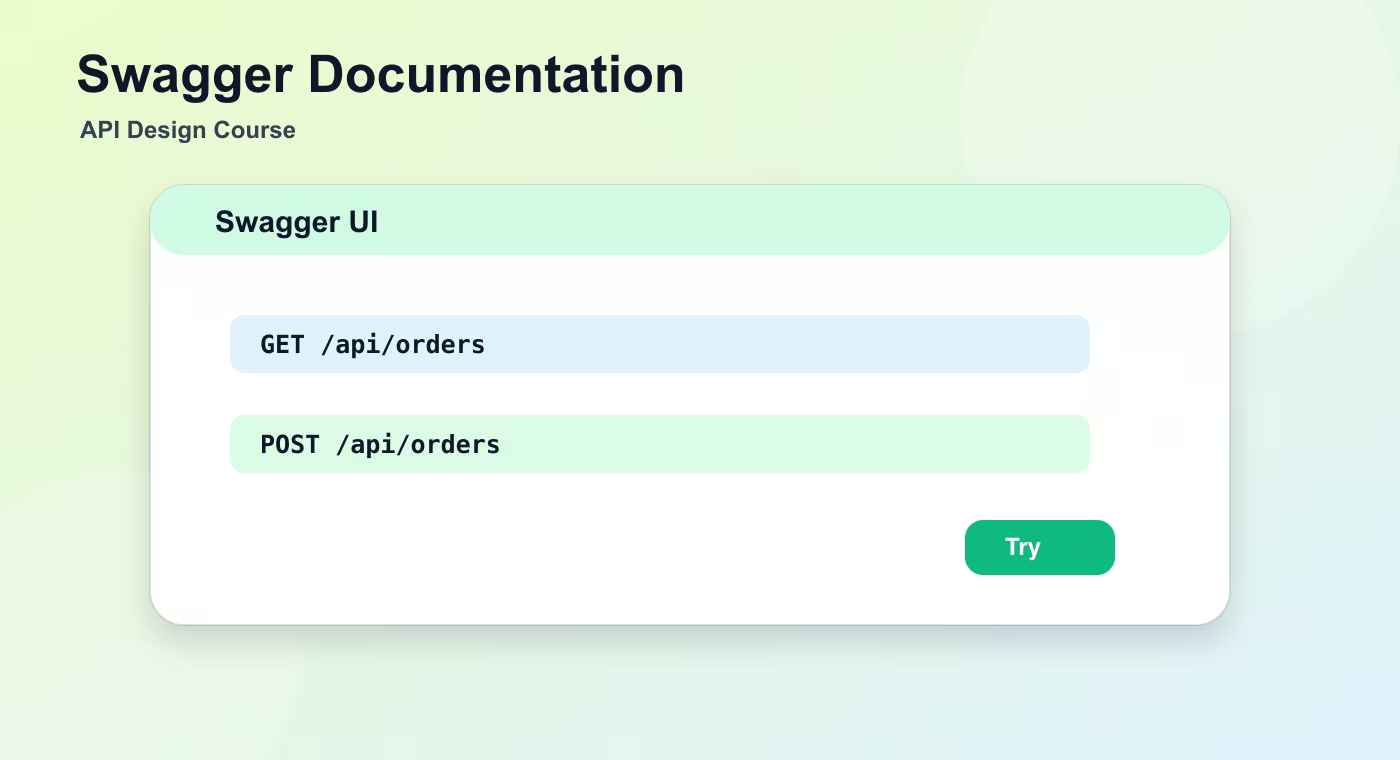
Swagger UI is the interactive face of an OpenAPI contract. It lets a developer read endpoints, inspect schemas, fill parameters, send a request, and see the response. This is useful during development, onboarding, and support, but it is not a replacement for a clean API design. Swagger shows the contract; it does not fix vague names, overloaded endpoints, missing validation, or inconsistent errors.
The Problem This Solves
API design becomes important when more than one client depends on the same backend. A controller method can be easy to write and still be hard to use. The client needs names that match the domain, response bodies that do not change randomly, errors that are predictable, and list endpoints that keep working when data grows. Good API design is the difference between a server that merely responds and a product interface that teams can safely build on.
A useful way to think about this topic is contract first. The contract is not only a generated document. It is the promise that a request with a certain method, path, parameters, body, authentication state, and headers will receive a response with a known status code and shape. When a backend developer changes that promise without care, the frontend, mobile app, partner integration, or automated job can break even though the server still starts.
How To Think About It
Start with the business action, then translate it into API language. If the user wants to see orders, the resource is probably orders, not getOrdersData. If the user wants to cancel an order, check whether cancellation is a state change on an existing order, a sub-resource, or a domain command that needs its own endpoint. This decision should be visible in the URL, method, response code, and error format.
Do not optimize for cleverness. Optimize for the developer who opens the API six months later. Names should be boring and obvious. Optional parameters should have clear defaults. A response should include only what the client is allowed to know. Internal database names, stack traces, enum experiments, and temporary migration fields should not leak into the public contract unless they are deliberately part of it.
Concrete Example
GET /api/orders?status=PAID&page=0&size=20&sort=createdAt,desc
Accept: application/json
A clean endpoint like this tells a clear story. The client is asking for orders, not calling a backend function by name. The query parameters are explicit: one filter, one page request, and one sort rule. The server can validate those parameters, document them in OpenAPI, return a stable response shape, and use a consistent error format if the request is invalid.
Useful Reference
| Concept | Meaning |
|---|---|
| Swagger UI | Interactive browser documentation |
| Try it out | Manual request execution |
| schema view | Readable model description |
| auth button | Place to provide credentials |
Common Mistakes
- Designing endpoints from controller method names instead of resource names.
- Returning whatever the database entity currently looks like.
- Treating validation, errors, pagination, and versioning as details to add later.
- Changing response shapes without checking existing clients.
- Documenting the API only after implementation, when the design is already hard to change.
Understanding Checklist
- I can explain what contract this endpoint gives to a client.
- I can name the request parameters and their allowed values.
- I can describe successful and failed responses without reading backend code.
- I can tell which changes would be breaking for an existing client.
Practice Before the Next Lesson
Open a Swagger UI page and verify one endpoint request, response, status code, and schema.