
Stage 5 - Plugins: Extending Maven and Gradle Builds
A build tool cannot hardcode every possible task. Projects need compilation, tests, integration tests, shading, Spring Boot packaging, code generation, publishing, Docker images, and quality checks.
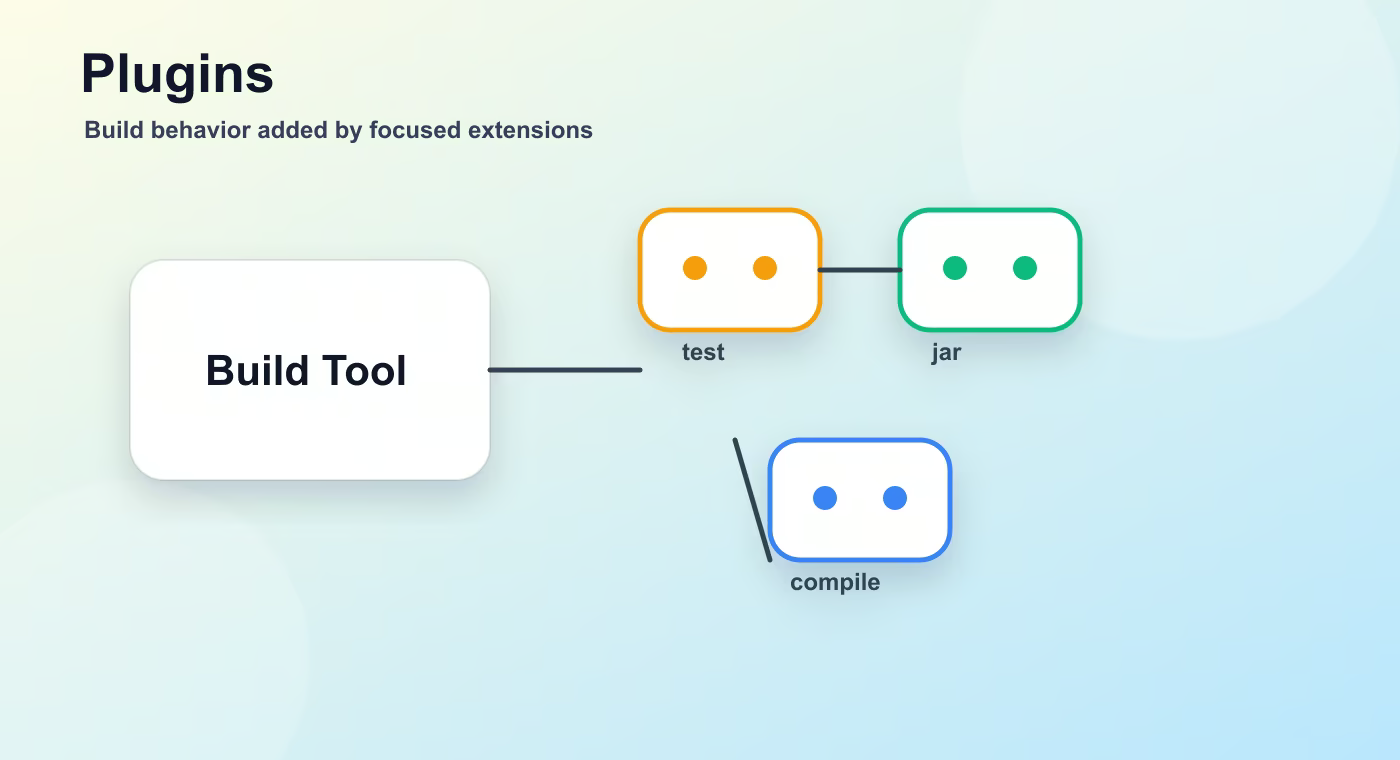
A plugin is an extension that adds goals, tasks, conventions, or packaging behavior to the build. Build tools stay small at the core and grow through plugins.
Why this topic exists
Maven plugins expose goals. The compiler plugin compiles Java. Surefire runs unit tests. Failsafe runs integration tests. The jar, war, and shade plugins create different artifact shapes.
Plugin configuration decides how a plugin behaves: Java release, test include patterns, main class, generated source directory, or whether dependencies are packed into a fat JAR.
Execution connects a plugin goal to a lifecycle phase. For example, an integration-test goal can run during the integration-test phase, while verification can happen during verify.
Gradle plugins add tasks and conventions. The java plugin adds compileJava, test, and jar. The Spring Boot plugin adds bootJar, dependency management integration, and application packaging behavior.
Custom plugins exist when build logic is reused across many projects. A team may create a plugin that applies code style, testing defaults, publishing rules, and company repository settings.
Build flow
- build tool.
- plugin.
- configuration.
- execution.
- generated result.
This sequence is the mental model to keep while reading build files. The names are different in Maven and Gradle, but the practical question is the same: what input is used, what task runs, what output is produced, and where that output is stored.
Concrete example
<plugin>
  <groupId>org.apache.maven.plugins</groupId>
  <artifactId>maven-compiler-plugin</artifactId>
  <configuration>
    <release>17</release>
  </configuration>
</plugin>
Useful reference
| Concept | Meaning |
|---|---|
| compiler | Compiles Java source. |
| surefire | Runs unit tests. |
| failsafe | Runs integration tests. |
| jar | Creates a JAR artifact. |
| war | Creates a WAR artifact. |
| shade | Builds an archive with dependencies relocated or bundled. |
How this is used in real projects
When a build does something surprising, look for plugin configuration first. Most build behavior is not magic; it comes from plugins and their executions.
In a team setting, build knowledge is not optional theory. It affects local development, CI time, dependency upgrades, release stability, and debugging. When a Spring service fails to start after a dependency change, when CI downloads a different library version, or when an artifact cannot be deployed, the answer is usually in the build configuration, dependency graph, packaging step, or repository setup.
Common mistakes
- Copying configuration without understanding which layer of the build it affects.
- Treating a local successful build as proof that CI and production delivery will work.
- Ignoring dependency trees, generated output, and repository rules until a release fails.
- Mixing application runtime configuration with build-time configuration.
Understanding checklist
- I can explain the main terms in this article without reading the build file aloud.
- I can draw the sequence from source code to artifact for this topic.
- I can name the command or file I would inspect first during a build problem.
Self-check questions
- What problem does this build concept solve in a real Java or Spring project?
- Which file or command gives the fastest evidence when something goes wrong?
- What mistake would make the build work locally but fail in CI or another developer environment?
Practice Before the Next Lesson
Open a Maven or Gradle project and find the plugin or task responsible for tests. Write down when it runs, which command triggers it, and what output file or report proves that tests actually executed.