
Stage 2 - Gradle: A Modern Build System
Maven is predictable, but some teams need a build that is easier to program, faster for large projects, and flexible enough for custom automation. Gradle was designed for that space.
Gradle is a build automation system based on tasks and a programmable DSL. Instead of describing everything as XML, a Gradle build is written in Groovy DSL or Kotlin DSL.
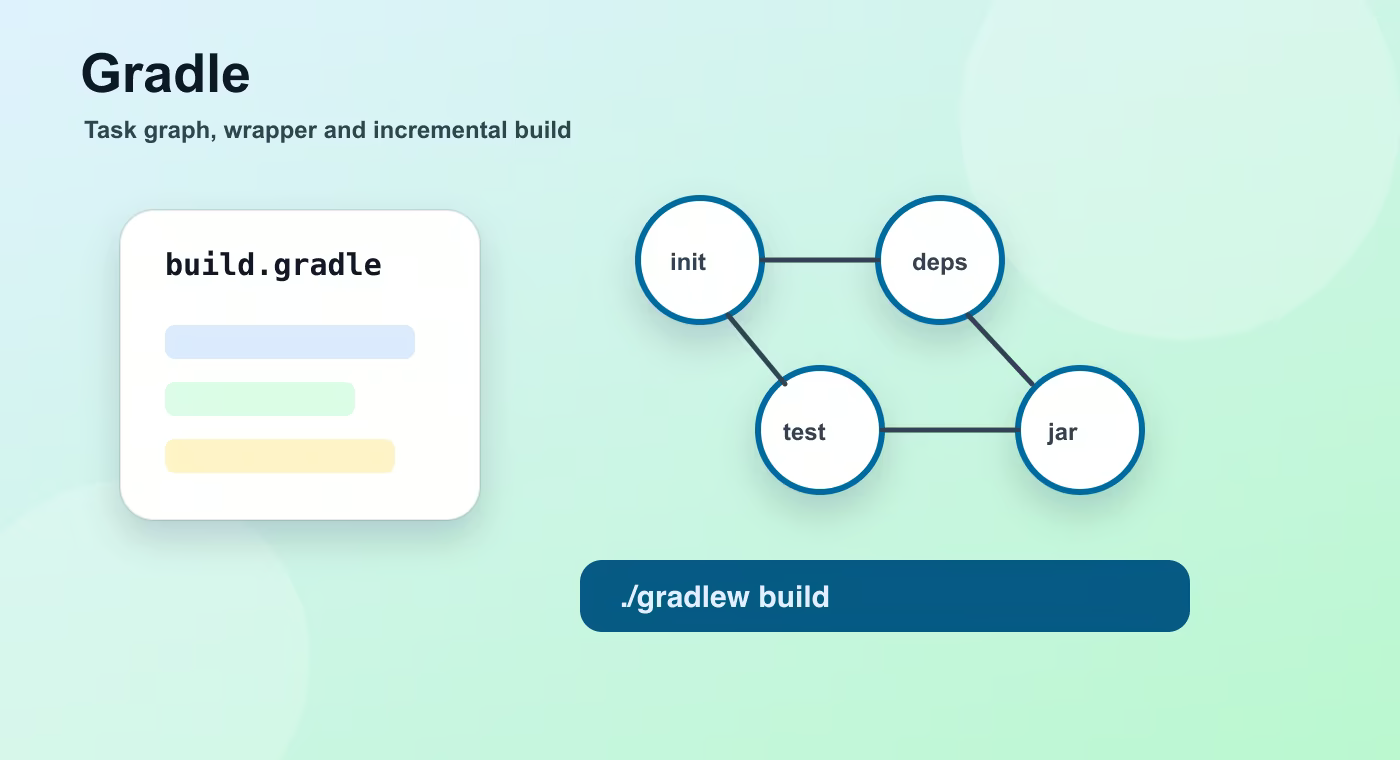
Why this topic exists
The main difference from Maven is the mental model. Maven starts from fixed lifecycles and binds plugins to phases. Gradle starts from a task graph. A task can compile code, run tests, copy files, generate sources, build a Docker image, or publish an artifact.
Groovy DSL uses build.gradle; Kotlin DSL usually uses build.gradle.kts. Kotlin DSL is more type-safe and has better IDE completion. Groovy DSL is shorter and very common in older projects.
A Gradle build has plugins, repositories, and dependencies. Plugins add tasks and conventions. Repositories tell Gradle where to download artifacts. Dependencies declare libraries needed for production code, runtime, or tests.
The Wrapper is a practical production feature. Files gradlew, gradlew.bat, and gradle/wrapper let every developer and CI server use the same Gradle version without installing it manually.
Incremental build is one of Gradle's main strengths. If inputs and outputs did not change, Gradle can skip work. In large projects this saves a lot of time, but only if tasks are configured correctly.
Build flow
- build.gradle.
- plugins.
- tasks.
- incremental build.
- artifact.
This sequence is the mental model to keep while reading build files. The names are different in Maven and Gradle, but the practical question is the same: what input is used, what task runs, what output is produced, and where that output is stored.
Concrete example
plugins {
    id 'java'
}

repositories {
    mavenCentral()
}

dependencies {
    implementation 'org.springframework.boot:spring-boot-starter-web'
    testImplementation 'org.junit.jupiter:junit-jupiter'
}
Useful reference
| Concept | Meaning |
|---|---|
./gradlew build | Compiles, tests, and assembles the project. |
./gradlew clean | Deletes build output. |
./gradlew test | Runs tests. |
./gradlew dependencies | Prints dependency graphs. |
./gradlew tasks | Lists available tasks. |
How this is used in real projects
Choose Gradle when build performance, custom automation, and flexible multi-project builds matter. Choose Maven when convention, simplicity, and team familiarity matter more.
In a team setting, build knowledge is not optional theory. It affects local development, CI time, dependency upgrades, release stability, and debugging. When a Spring service fails to start after a dependency change, when CI downloads a different library version, or when an artifact cannot be deployed, the answer is usually in the build configuration, dependency graph, packaging step, or repository setup.
Common mistakes
- Copying configuration without understanding which layer of the build it affects.
- Treating a local successful build as proof that CI and production delivery will work.
- Ignoring dependency trees, generated output, and repository rules until a release fails.
- Mixing application runtime configuration with build-time configuration.
Understanding checklist
- I can explain the main terms in this article without reading the build file aloud.
- I can draw the sequence from source code to artifact for this topic.
- I can name the command or file I would inspect first during a build problem.
Self-check questions
- What problem does this build concept solve in a real Java or Spring project?
- Which file or command gives the fastest evidence when something goes wrong?
- What mistake would make the build work locally but fail in CI or another developer environment?
Practice Before the Next Lesson
Create a small build.gradle with the java plugin, mavenCentral(), and one implementation dependency. Run ./gradlew tasks and ./gradlew dependencies, then identify which task builds the project and where Gradle looks for libraries.