
Stage 1 - Maven: The Foundation of Java Project Builds
A Java project stops being simple as soon as it has several packages, resources, tests, external libraries, and a final file that must run on another machine. At that moment javac Main.java is no longer a realistic build process.
A build tool is a program that turns source code into a predictable artifact. It compiles code, copies resources, runs tests, downloads dependencies, creates a JAR or WAR, and can publish the result.
Why this topic exists
Maven appeared to solve the chaos of custom Ant scripts and different project layouts. Its main idea is Convention over Configuration: if a project follows standard conventions, Maven already knows where production code, resources, tests, and output should live.
The standard layout is part of the contract. src/main/java contains application Java code. src/main/resources contains files that must be available on the runtime classpath. src/test/java contains test code. target is generated output and should not be committed.
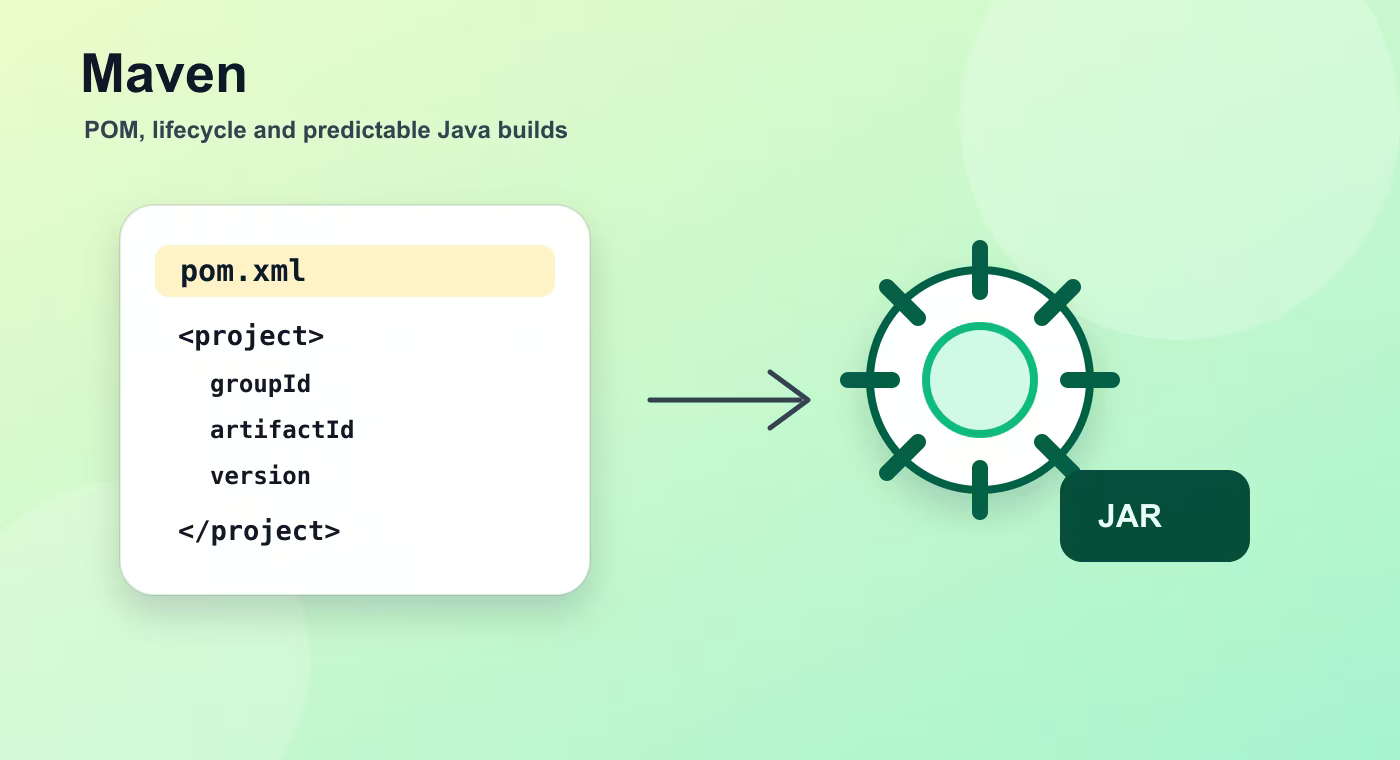
pom.xml means Project Object Model. It describes project coordinates, Java version, dependencies, plugins, packaging type, and sometimes parent or module relationships. A minimal POM is enough for Maven to understand how to compile and package a project.
The lifecycle is a chain of phases. validate checks basic project correctness. compile compiles main code. test runs tests. package creates the artifact. verify runs extra checks. install puts the artifact into the local repository. deploy uploads it to a remote repository.
A goal is a concrete plugin action, such as compiler:compile or dependency:tree. A phase is a lifecycle checkpoint. When you run mvn package, Maven executes all previous phases and invokes the plugin goals bound to them.
Build flow
- source code.
- pom.xml.
- lifecycle phase.
- plugin goals.
- artifact.
This sequence is the mental model to keep while reading build files. The names are different in Maven and Gradle, but the practical question is the same: what input is used, what task runs, what output is produced, and where that output is stored.
Concrete example
<project>
  <modelVersion>4.0.0</modelVersion>
  <groupId>com.academy</groupId>
  <artifactId>orders</artifactId>
  <version>1.0.0</version>
  <properties>
    <maven.compiler.release>17</maven.compiler.release>
  </properties>
</project>
Useful reference
| Concept | Meaning |
|---|---|
mvn clean | Deletes target so the next build starts from a clean output directory. |
mvn compile | Compiles production source code. |
mvn package | Runs previous phases and creates the JAR or WAR. |
mvn install | Stores the artifact in ~/.m2 for local reuse. |
mvn dependency:tree | Shows the full dependency graph. |
mvn dependency:analyze | Finds declared-but-unused and used-but-undeclared dependencies. |
How this is used in real projects
Use Maven when you want a stable, widely understood Java build with strong conventions and predictable dependency management. Its XML can feel verbose, but the tradeoff is that most Java developers can open a Maven project and immediately understand the build.
In a team setting, build knowledge is not optional theory. It affects local development, CI time, dependency upgrades, release stability, and debugging. When a Spring service fails to start after a dependency change, when CI downloads a different library version, or when an artifact cannot be deployed, the answer is usually in the build configuration, dependency graph, packaging step, or repository setup.
Common mistakes
- Copying configuration without understanding which layer of the build it affects.
- Treating a local successful build as proof that CI and production delivery will work.
- Ignoring dependency trees, generated output, and repository rules until a release fails.
- Mixing application runtime configuration with build-time configuration.
Understanding checklist
- I can explain the main terms in this article without reading the build file aloud.
- I can draw the sequence from source code to artifact for this topic.
- I can name the command or file I would inspect first during a build problem.
Self-check questions
- What problem does this build concept solve in a real Java or Spring project?
- Which file or command gives the fastest evidence when something goes wrong?
- What mistake would make the build work locally but fail in CI or another developer environment?
Practice Before the Next Lesson
Create a minimal Maven project with groupId, artifactId, version, and Java 17 in pom.xml. Add one dependency, for example spring-boot-starter-web, then run mvn dependency:tree and write down which libraries Maven added besides the one you declared directly.