
Stage 8 - Packaging: Creating JAR and WAR Applications
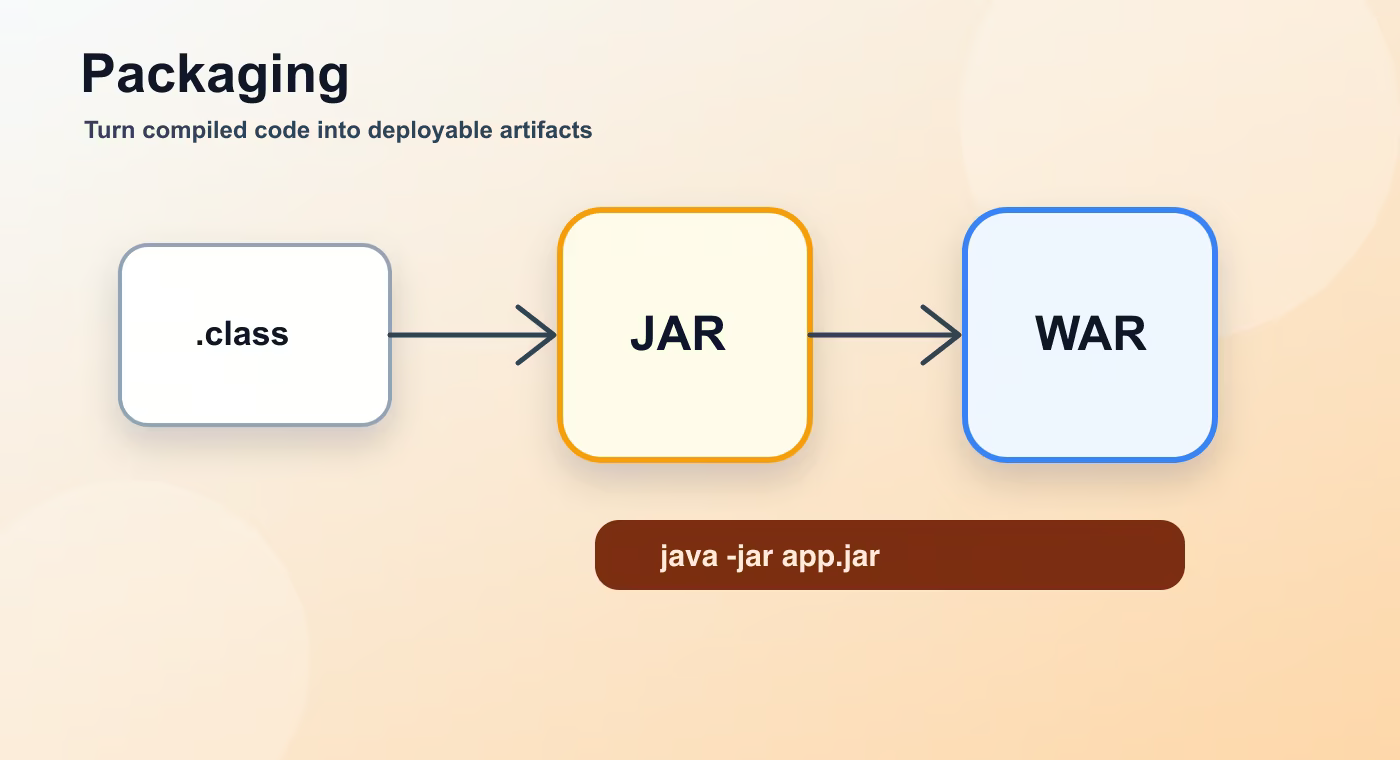
Compilation creates .class files, but deployment needs a deliverable artifact. Packaging decides what file is produced and how the runtime will start it.
Packaging is the step that turns compiled code and resources into an archive such as JAR, WAR, or, historically, EAR. For modern Spring Boot services, the most common result is an executable JAR.
Why this topic exists
A JAR is a ZIP-like archive with classes, resources, and metadata. The manifest can define Main-Class, classpath details, and other metadata. A normal thin JAR may need external dependencies on the classpath.
A WAR is designed for deployment into a servlet container. It has a structure with WEB-INF, classes, libraries, and web resources. Older enterprise deployments often used WAR files deployed to external Tomcat or application servers.
EAR is an enterprise archive used to package several Java EE modules together. Modern Spring Boot backend work rarely starts with EAR, but it is useful to recognize the term in legacy systems.
A fat JAR bundles application code and dependencies into one archive. A thin JAR contains mainly application code and expects dependencies elsewhere. Spring Boot executable JARs have a special layout and launcher so java -jar app.jar works.
Choose JAR for most standalone Spring Boot services and containerized deployments. Choose WAR when an organization requires deployment to an existing servlet container.
Build flow
- compiled classes.
- resources.
- manifest.
- jar/war.
- runtime.
This sequence is the mental model to keep while reading build files. The names are different in Maven and Gradle, but the practical question is the same: what input is used, what task runs, what output is produced, and where that output is stored.
Concrete example
mvn package
java -jar target/orders-1.0.0.jar

./gradlew bootJar
java -jar build/libs/orders.jar
Useful reference
| Concept | Meaning |
|---|---|
| JAR | General Java archive; common for libraries and standalone apps. |
| Executable JAR | JAR that can start with java -jar. |
| WAR | Web archive for servlet containers. |
| EAR | Enterprise archive for legacy Java EE packaging. |
| Fat JAR | Archive that includes dependencies. |
| Thin JAR | Archive that expects dependencies outside. |
How this is used in real projects
Packaging is not a cosmetic choice. It defines how the application is launched, where dependencies live, and what infrastructure is required.
In a team setting, build knowledge is not optional theory. It affects local development, CI time, dependency upgrades, release stability, and debugging. When a Spring service fails to start after a dependency change, when CI downloads a different library version, or when an artifact cannot be deployed, the answer is usually in the build configuration, dependency graph, packaging step, or repository setup.
Common mistakes
- Copying configuration without understanding which layer of the build it affects.
- Treating a local successful build as proof that CI and production delivery will work.
- Ignoring dependency trees, generated output, and repository rules until a release fails.
- Mixing application runtime configuration with build-time configuration.
Understanding checklist
- I can explain the main terms in this article without reading the build file aloud.
- I can draw the sequence from source code to artifact for this topic.
- I can name the command or file I would inspect first during a build problem.
Self-check questions
- What problem does this build concept solve in a real Java or Spring project?
- Which file or command gives the fastest evidence when something goes wrong?
- What mistake would make the build work locally but fail in CI or another developer environment?
Practice Before the Next Lesson
Build a JAR with Maven or Gradle, then inspect the output directory. Find the artifact name, its extension, and the command you would use to run it. If it is not executable, identify which packaging setting or plugin is missing.