
Stage 8 - Git History, Recovery and Advanced Tools
By Stage 7, review and merge are in place. The advanced part starts when something still goes wrong: maybe one commit introduced wrong behavior, or an unfinished idea is blocking a hotfix branch.
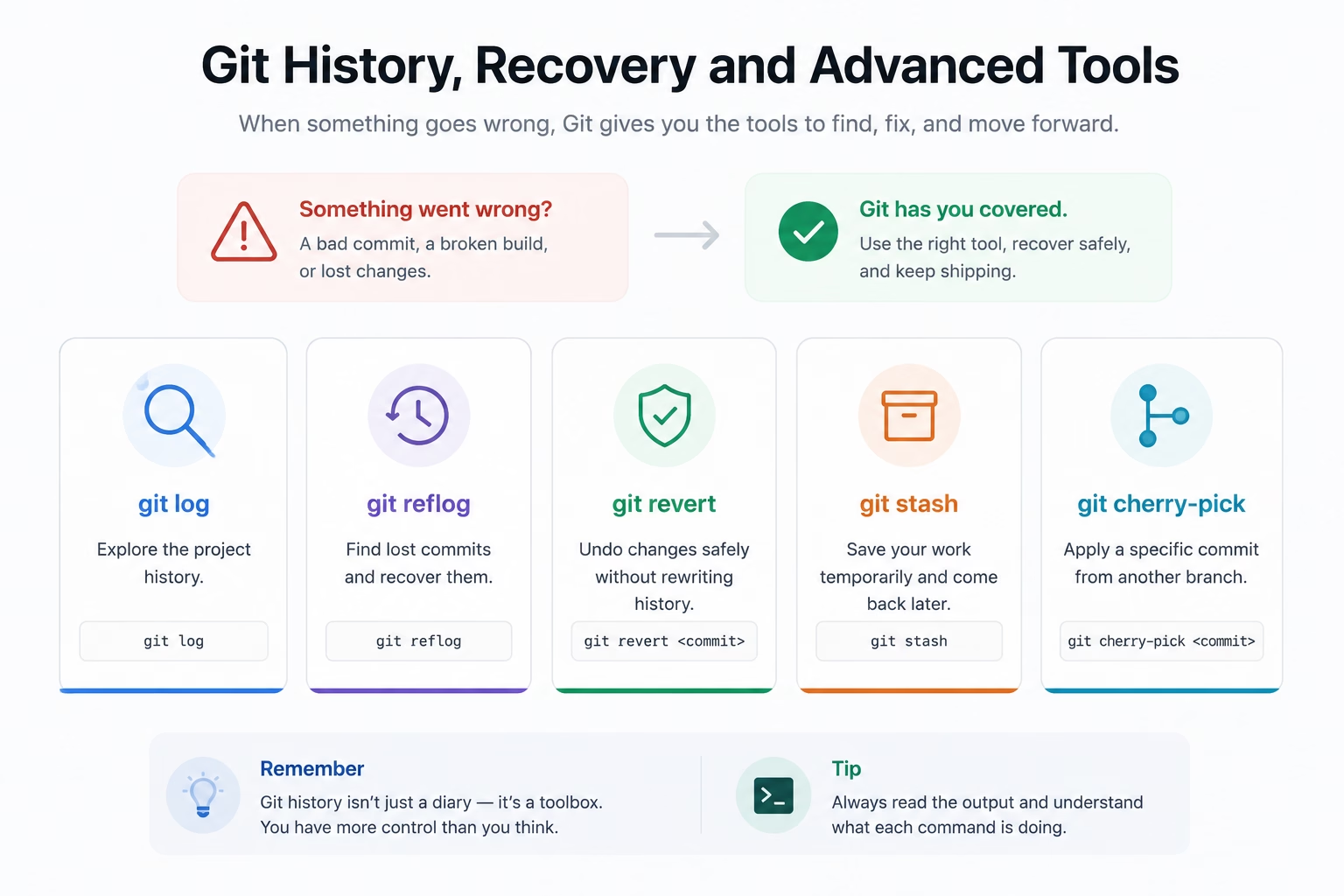
The difference between undo methods
In task-service, suppose feat: add export format contract file worked, but one commit in another branch broke existing behavior.
Two major approaches:
git revertadds a new commit that undoes the effects of a previous commit.git resetmoves your branch pointer back and rewrites local trajectory.
For shared branches, prefer revert:
git revert <commit-hash>
reset is usually for local cleanup before publishing:
git reset --soft HEAD~1
git reset --mixed HEAD~1
git reset --hard HEAD~1
Recovering after “I reset wrong”
git reflog tracks where HEAD moved recently:
git reflog
git switch -c recovery-branch <lost-commit-hash>
This can bring back commit references that seemed lost after pointer movement.
Stash for temporary suspension
Sometimes you need to interrupt current work to fix an urgent patch:
git stash push -m "WIP: task-service ordering tweak"
git switch main
git pull
git stash pop
Stash is a temporary shelf, not a long-term history plan.
Cherry-pick for surgical transfer
If one good fix exists in another branch and you only need that single change:
git cherry-pick <commit-hash>
This applies one commit without merging the full branch.
| Tool | Use case |
|---|---|
revert | Undo published mistakes safely |
reset | Fix local commit flow before push |
reflog | Find recently moved references |
stash | Hide unfinished work without creating a commit |
cherry-pick | Move one commit across branches |
Use this stage to make recovery boring and predictable, not stressful.
Advanced discipline for team reliability
A practical rule: before using reset, ask whether the commit is already public. If yes, use revert so teammates are not surprised. If not public, reset can keep local history clean.
When you use stash, always apply it back from the same branch context. If your branch changed drastically while code is stashed, validate with git diff after stash pop and then create a new commit before switching again.
cherry-pick is a precision tool. It is powerful for hotfixes, and risky if overused because it can hide intent of an entire flow. Prefer it for single, verified commits and keep the rest as full merges.